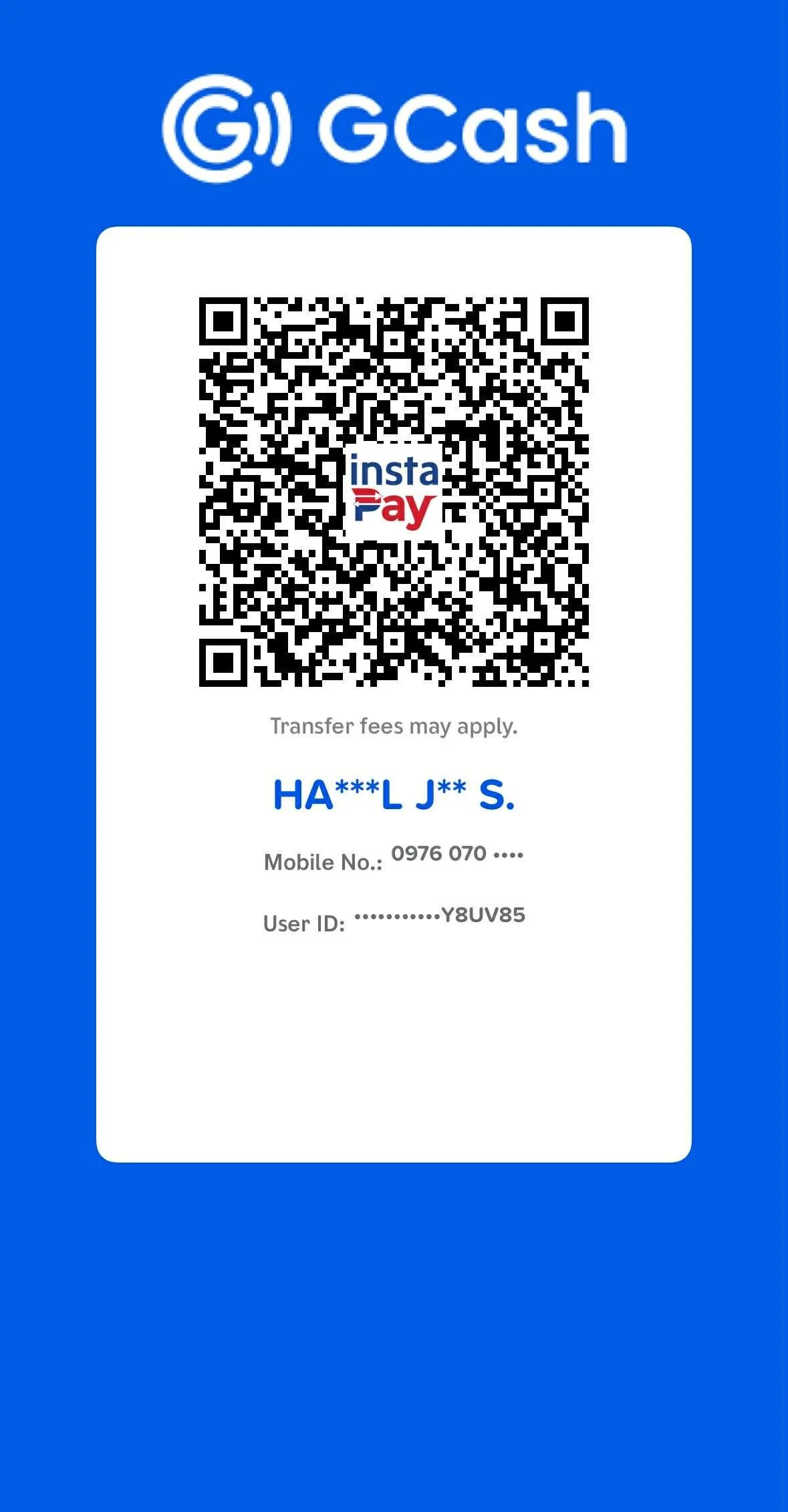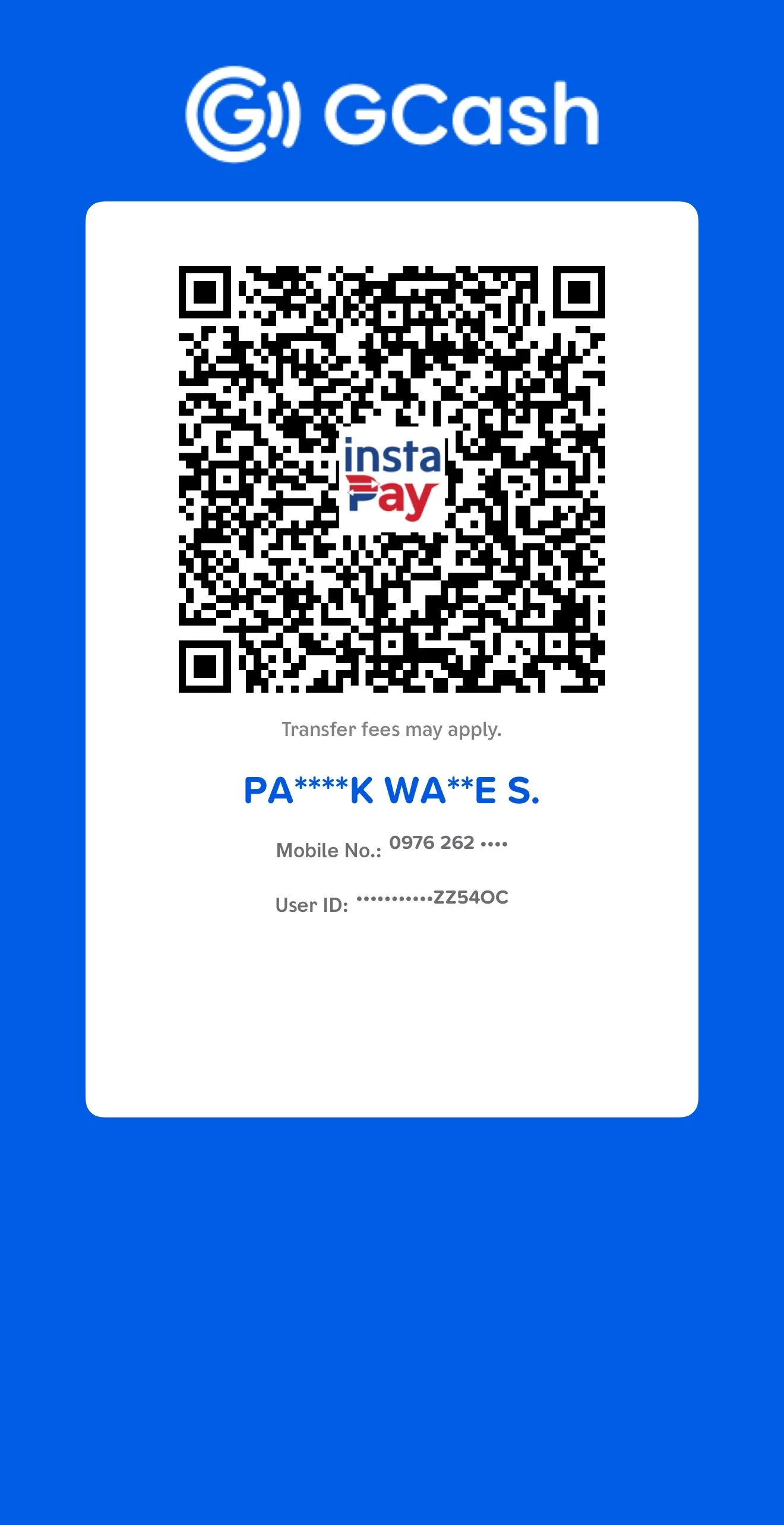
HOW TO SEND PAY BILLS
Open the GCash app and log in to your account.
On the main dashboard, tap Send.
Select Express Send.
Tap Scan/Upload QR
Scan The QR Code
Enter the amount you wish to send.
Review all the transaction details (recipient number and amount) carefully to ensure they are correct.
Tap Send to confirm the transaction.
You will receive an in-app and SMS confirmation notification once the transaction is successful. You can then view or download your receipt.
ScreenShot Or Download Your Reciept After Transaction is successful.
Tap = Upper Right Of This Site Tap FB PAGEs LOGO.
And Tap Message And Send Screenshot or Downloaded Reciept With SWIS Account Name: